


How to fix “library-ms no longer working” in windows 7/8
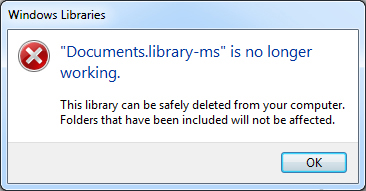
If you try to open Documents folder under library on Windows. It will show “Documents.library-ms”, “Music.library-ms”, “Pictures.library-ms”, “Videos.library-ms” is no longer working error message. In this tutorial how to fix this issue on Windows 7 and Windows 8.
Step 1:
Step 2:
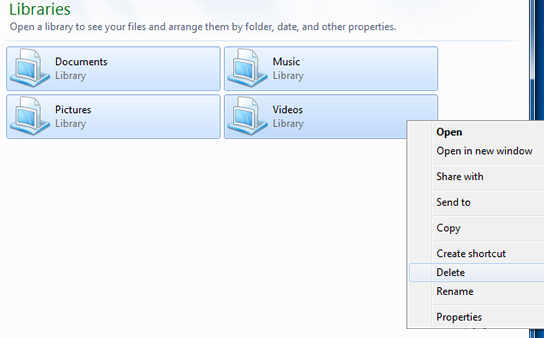
At First, select the libraries that are have problem, right click it and select ‘delete’ option. The sample images as follow.
Note: only delete shortcuts files, not other files.
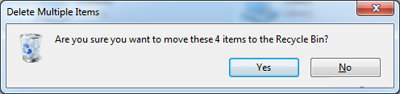
Click yes.
Step 3:
In the sidebar, right click the ‘Libraries’ and select ‘Restore default libraries’.
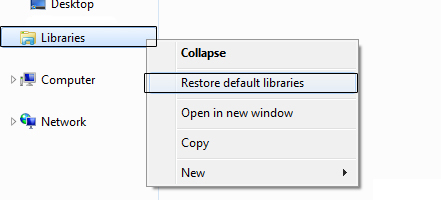
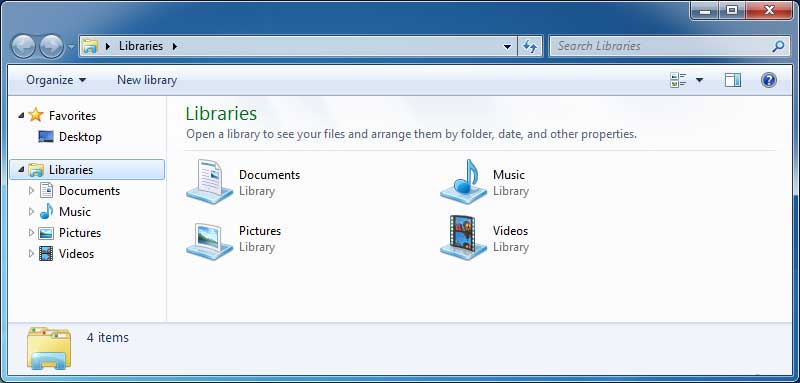
Now you will get restored libraries as shown below.
For more details go to https://support.microsoft.com
0 Comment